


Easy Banking App, your mobile app
Easy Banking Web and Easy Banking App complement each other perfectly. With Easy Banking App, your bank is always with you on your smartphone or tablet.
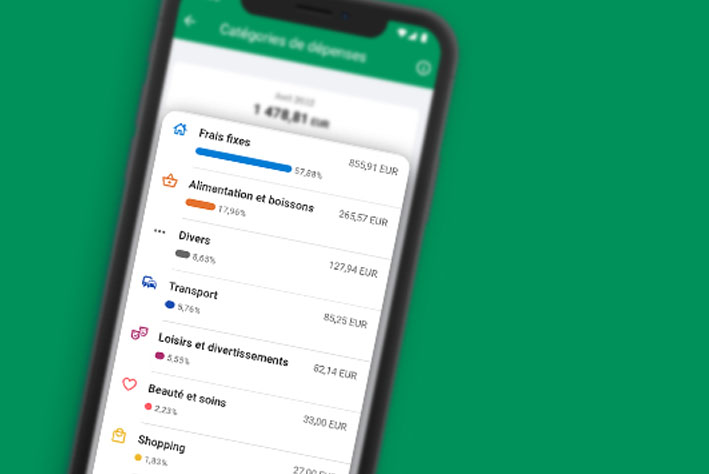
Get a clear view of your income and expenditure and set limits to optimise your budget.

Get an instant overview of your income and expenses for the current month, combined in a single clear chart. Dive deeper with a detailed analysis by week, month or year to better understand your financial habits.

Your income and expenditure are automatically categorised. You can always manually change the category of a transaction or exclude it from the budget analysis.

Set limits by spending category or overall. You can see at a glance where you stand. Useful for saving or keeping control of your budget.
Do you know what your biggest expense was last month, or the most frequent one? Do you know the categories where you spend the most? Every month, in your app, you can get this key information in the form of stories.

See a clear breakdown of your regular spending. You may find a subscription that you no longer use, or a service where you could save money. You can also use it to keep track of your recurring payments.

Customise the tool to suit your preferences: select the account(s) you wish to analyse and set the start date for your monthly budget analysis. This gives you an accurate overview of your personal spending habits.
Go to the App Store or Google Play.
Open the app, click on "Log in" and follow the instructions.
Log in and use mobile banking, securely, wherever and whenever you want.
Make your life easier with Easy Banking App
YOUR ONLINE AND MOBILE BANK
Easy Banking Web and Easy Banking App complement each other perfectly. With Easy Banking App, your bank is always with you on your smartphone or tablet.
Would you like a helping hand to get started with using our digital services or to get the most out of them? You can book a one-on-one information session or a small group workshop: it's up to you.

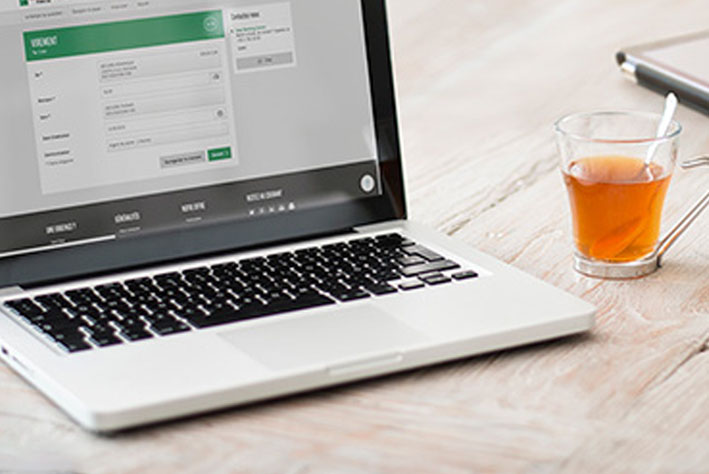
Your online banking Easy Banking Web and your Easy Banking App complement each other perfectly. With Easy Banking Web, you access your bank from your computer, whenever you want and securely.
Discover online banking