How can I modify the rights of users in Easy Banking Business?
- Connect to Easy Banking Business.
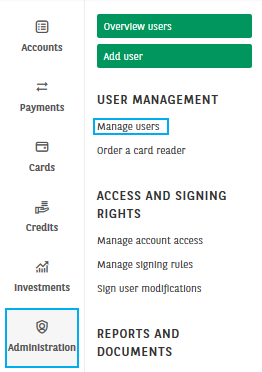
- Click on the Administration module, then click on Manage users.
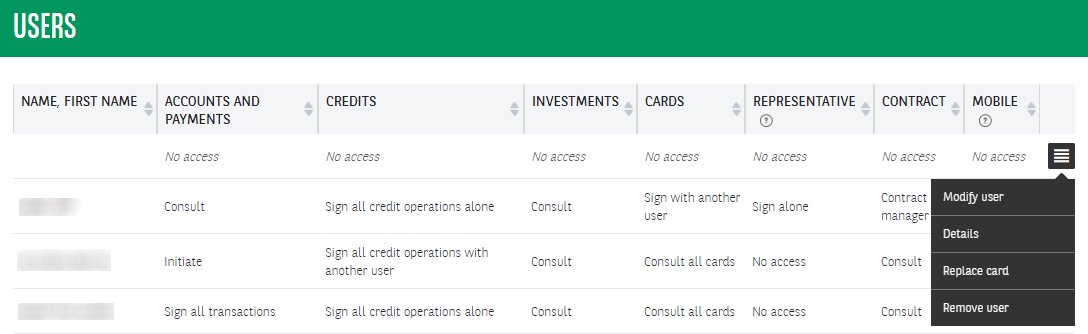
3. Select Modify user via the hamburger icon to the right of the user.
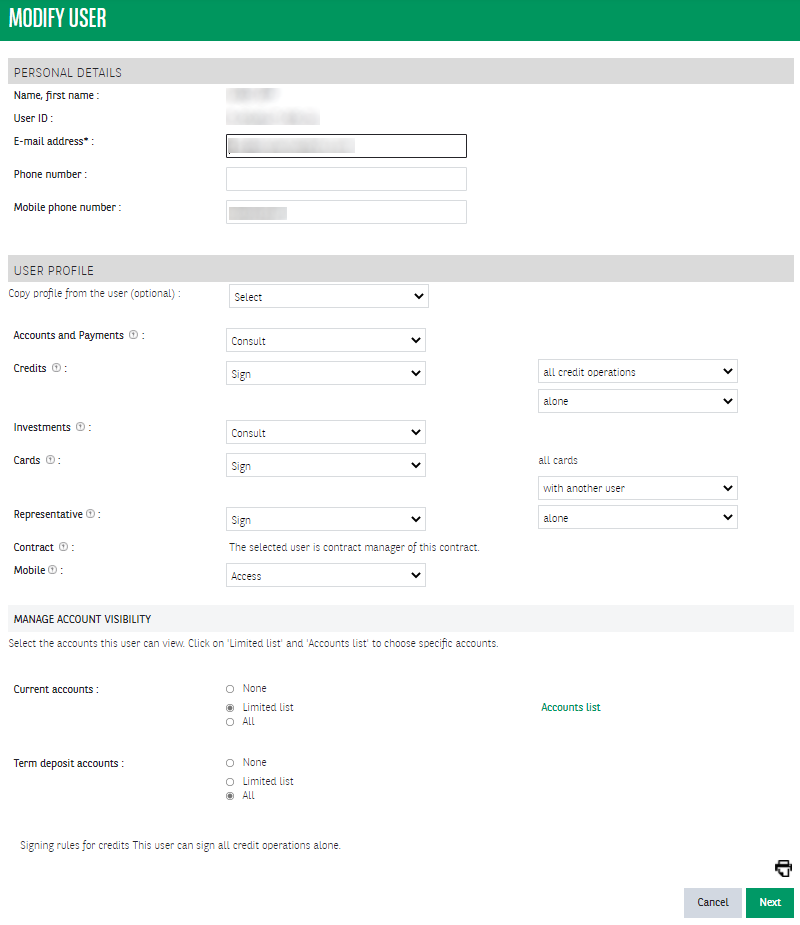
4. Please complete your personal data and the rights per user profile. Read you request and sign it. Once all necessary signatures have been placed, the modification will be effective after log-off.