

How do I, as a contract manager, order a card reader in Easy Banking Business?
- Connect to Easy Banking Business.
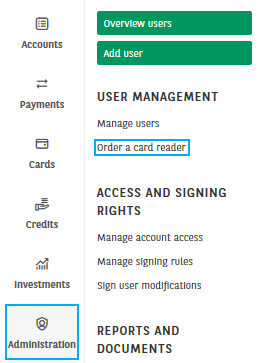
- Click on Administration and choose Order a card reader.
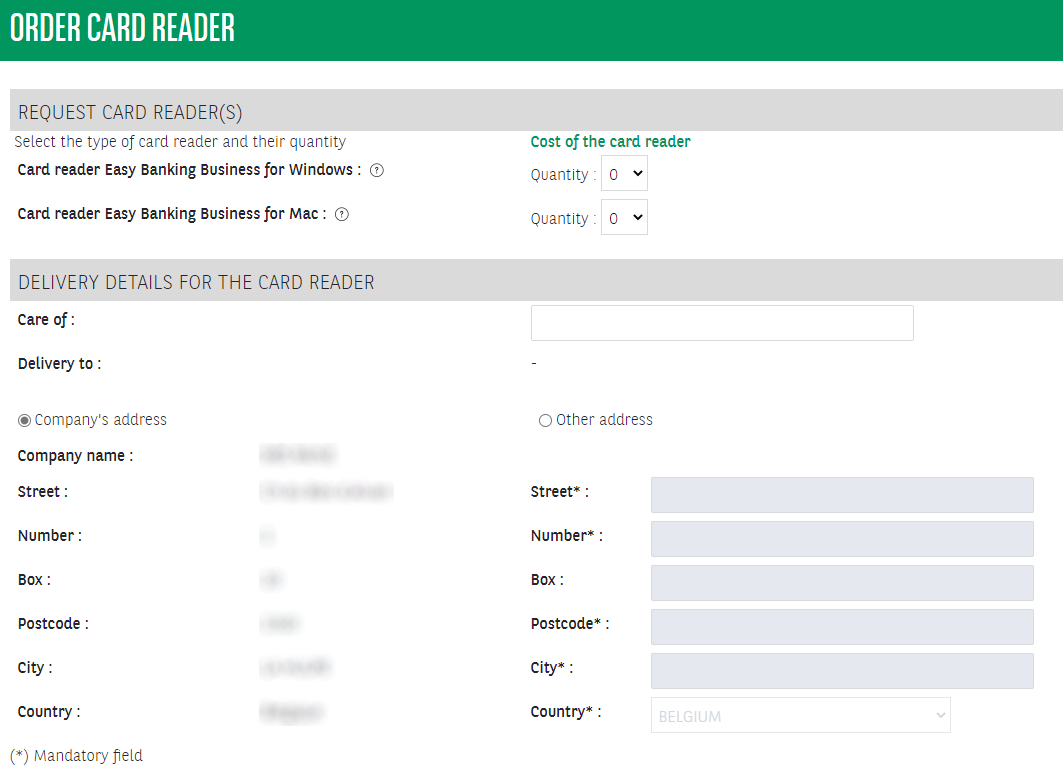
3. Specify how many card readers for either Windows or MAC you wish to order. Accept or complete the delivery details. Note: a card reader is payable. Click on Cost of the card reader for more information.
4. Check the details and Sign the request. Once all necessary signatures have been placed, the order will be effective.
