

How can I, as a contract manager, add a new user?
- Connect to Easy Banking Business.
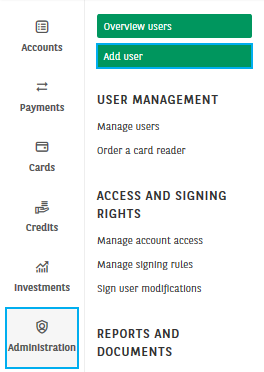
- Click on the Administration module and choose Add user.
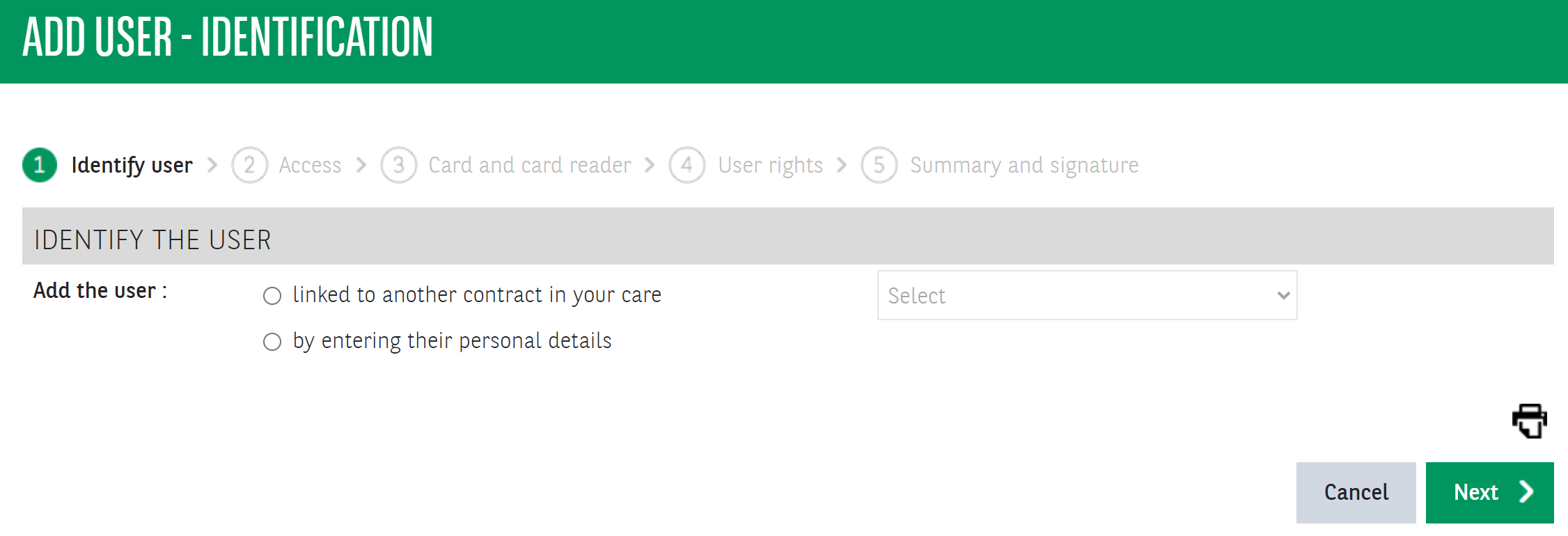
3. Identify the user.
- Select a user from another contract from the drop-down list. The existing access card can be activated for this contract.
- Or enter the personal data, including the user's identity card number.
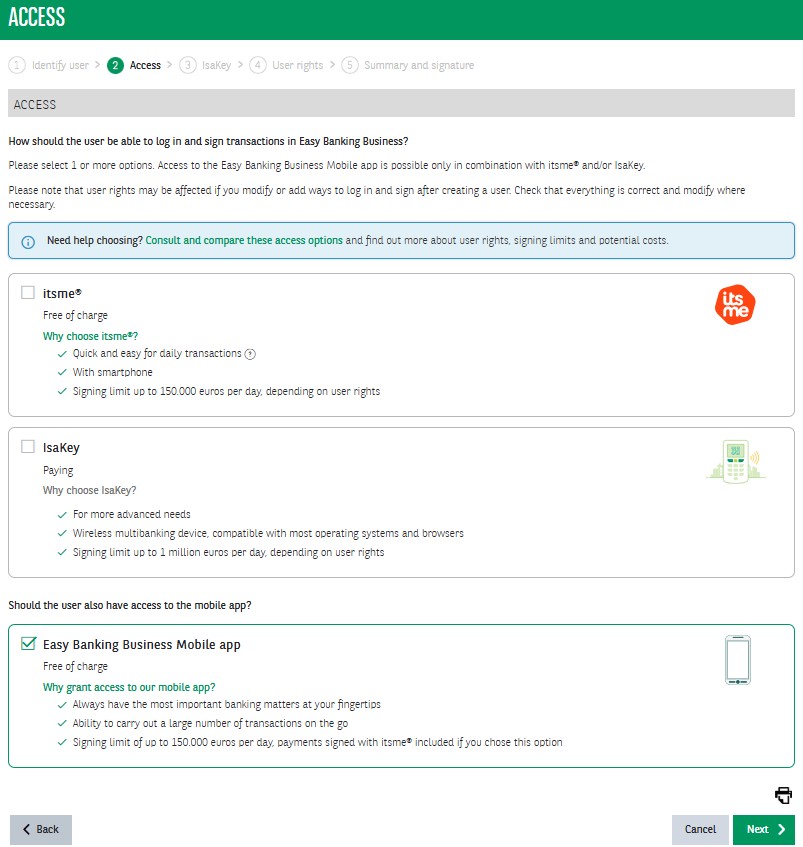
4. Choose which access the user needs: itsme® and/or an IsaKey. Choose whether the user needs Easy Banking Business Mobile access.
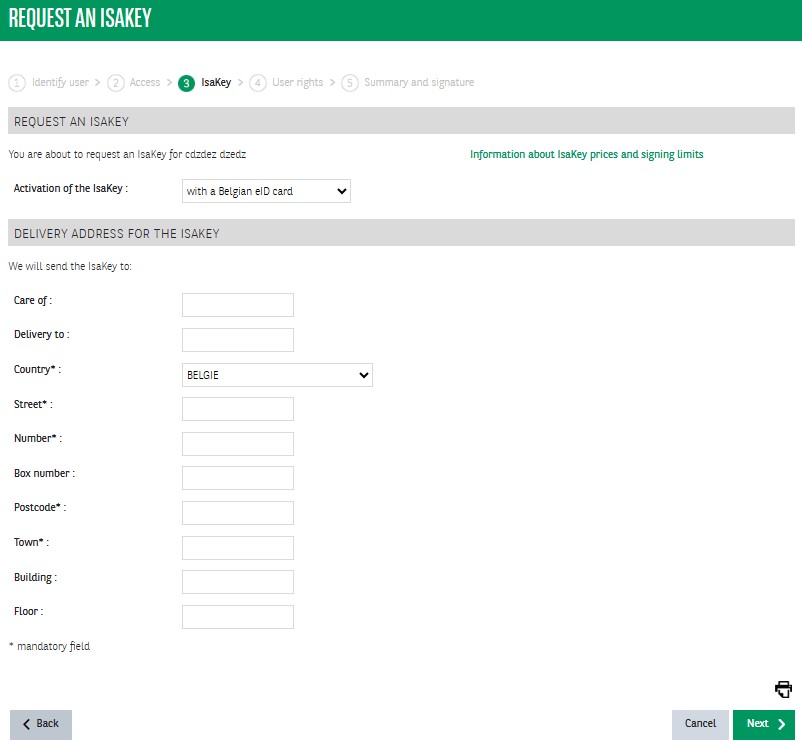
5. (optional) Choose the IsaKey activation method and delivery address
6. Define the user rights.
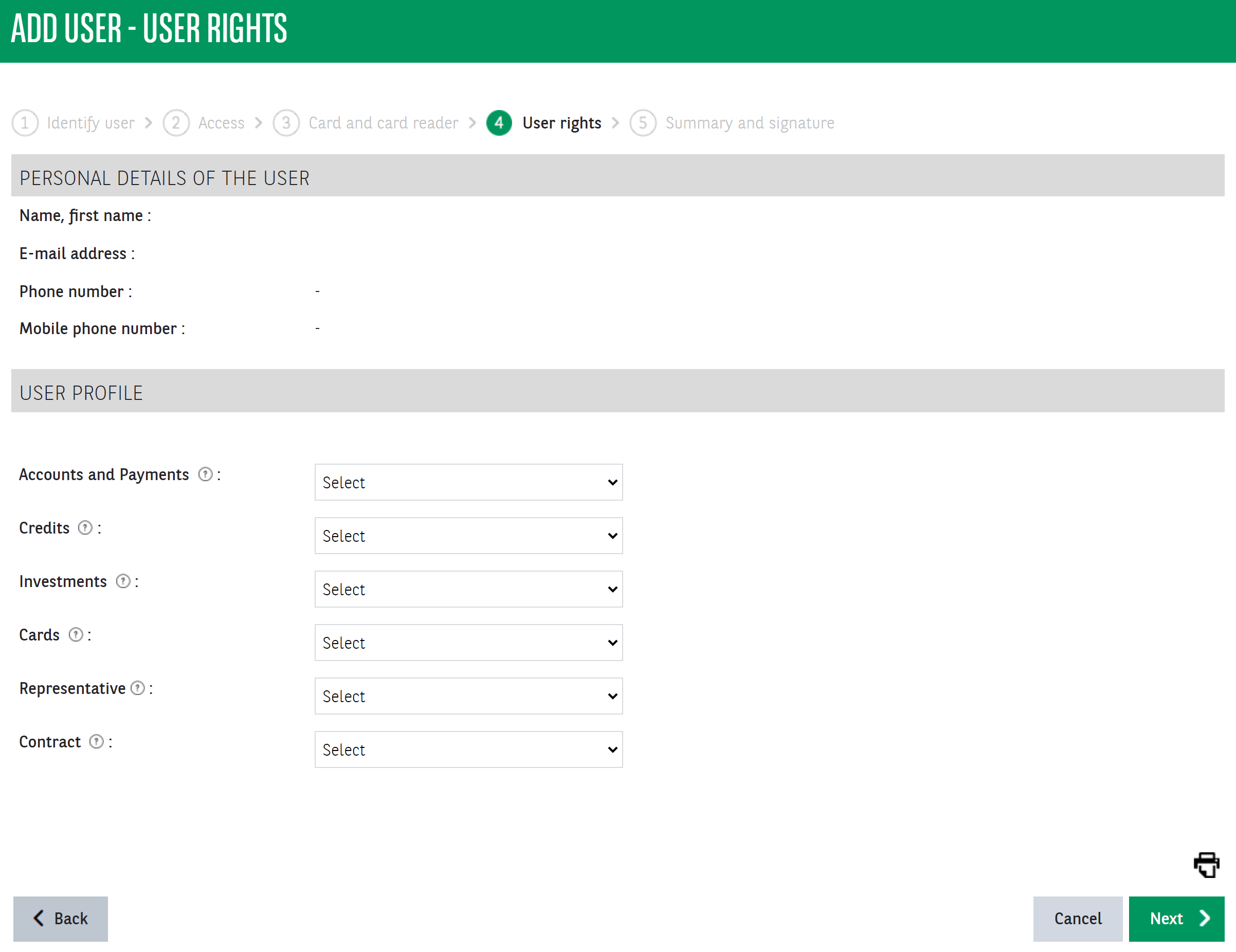
7. Check your request and sign it.
