

Manage your BNP Paribas Fortis credit card online
Would you like to increase your credit limit, check your spending or block your card in case of loss or theft? With Easy Banking App and Easy Banking Web, you can manage your credit card settings yourself in just a few clicks.

Where can you find your credit card settings?
These include payment and withdrawal limits (permanent or temporary), activation or deactivation of contactless, online or foreign payments, blocking or unblocking the card and viewing card details (number, expiry date and CCV).
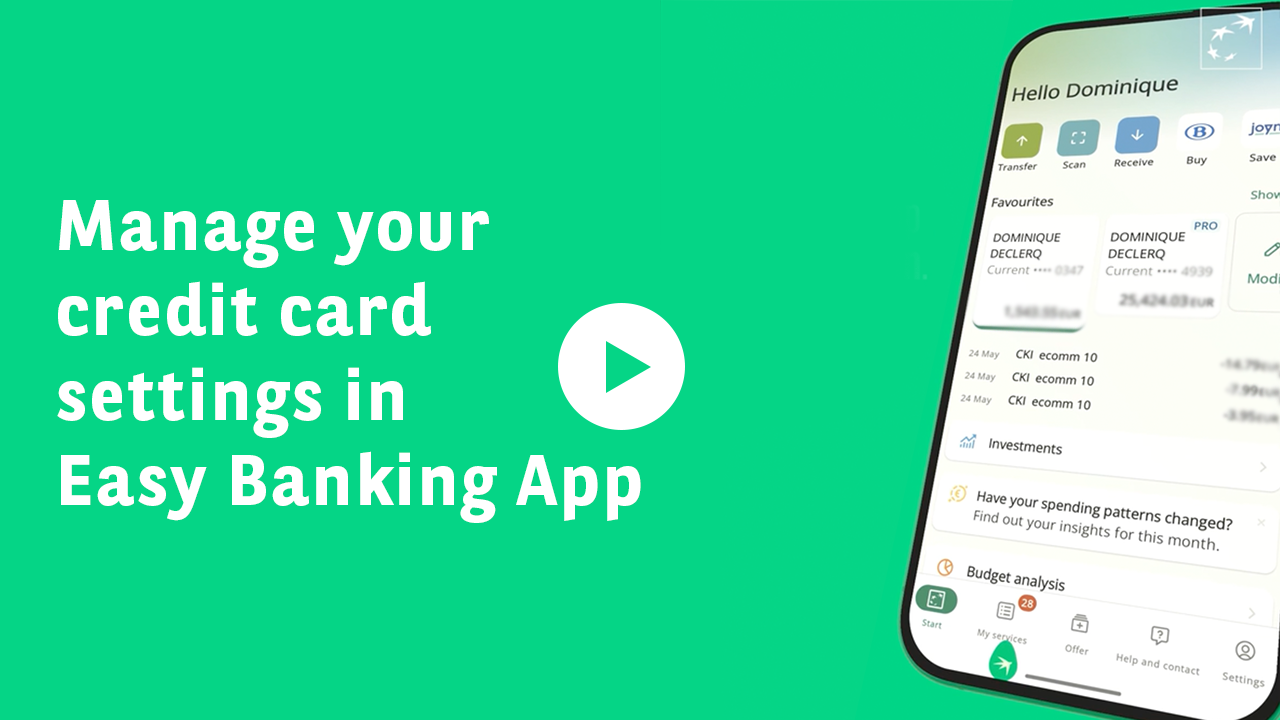
Easy Banking App
- Go to My services > Accounts and cards > Cards.
- Select your credit card.
- The screen shows:
-
- Your available balance and transactions (current and previous period).
- The ⚙️ icon (top right) to change your card settings.
Easy Banking Web
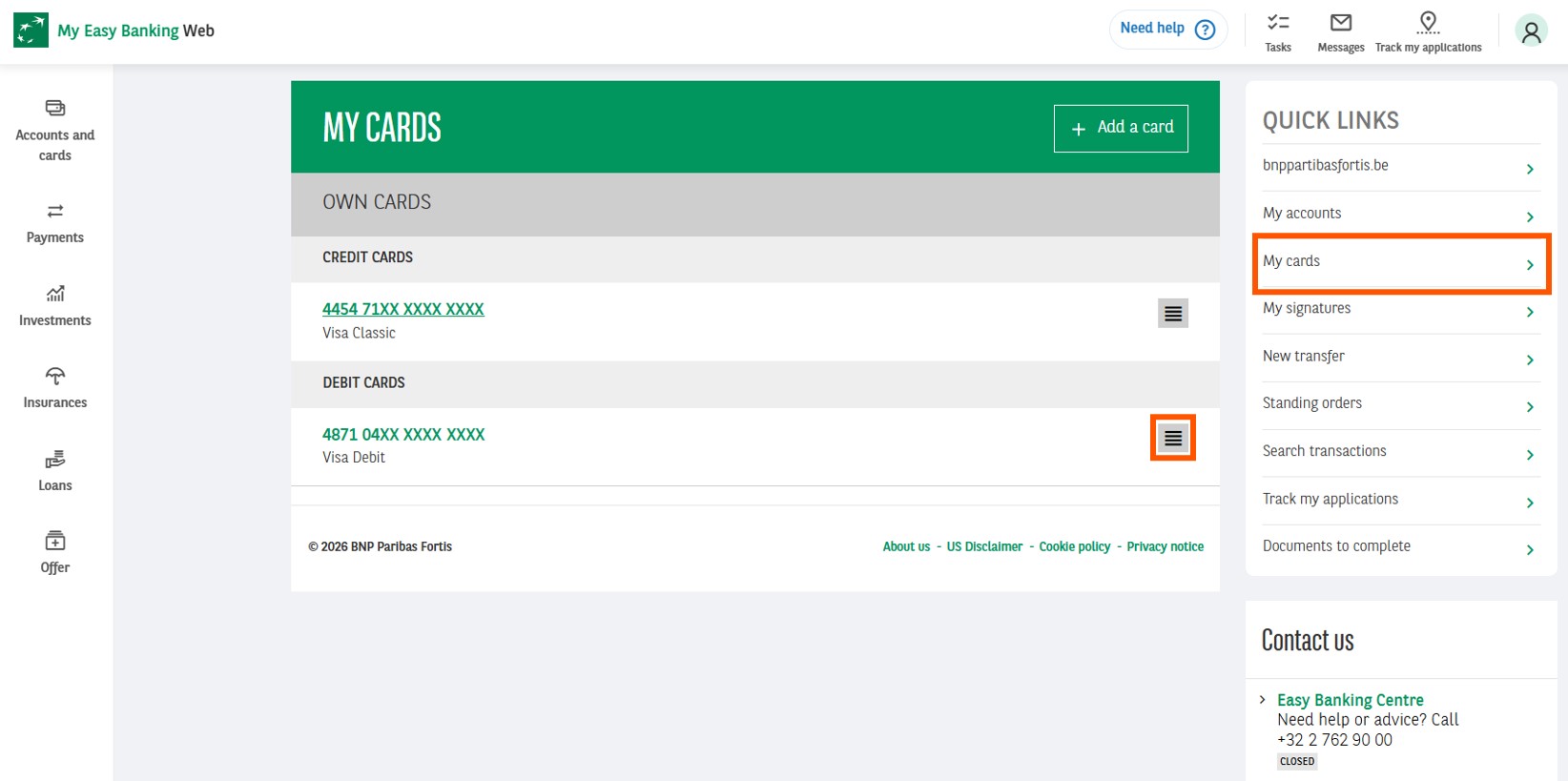
- Go to My cards > Credit cards.
- Four tabs are available:
-
- Transactions: spending history.
- Spending statements: download your statements (from December 2024; for older ones, log in to Zoomit).
- Details: credit limit and linked account.
- Modify: adjust limits, change how you receive statements, or block or replace your card.
How can you view your credit card details?
To view your card number, expiry date or secure CCV code:
Easy Banking App
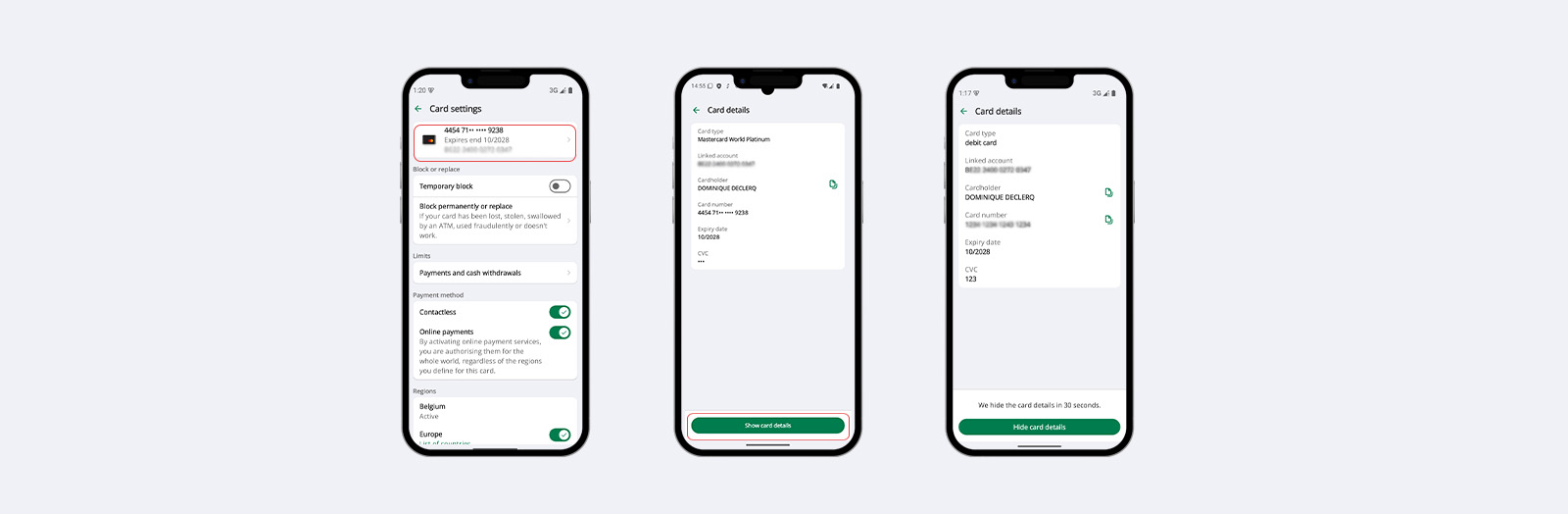
- Go to My services > Accounts and cards > Cards
- Click on ⚙️ and then on the card.
- To display the full card number and CVV code, click on View card details and enter your Easy Banking App code (enhanced security). This is useful for online payments, even without your physical card.
Easy Banking Web
- Go to My cards > Credit cards > Details.
- The basic information (limit and linked account) is displayed.
- For the card number and CCV code, use the mobile app.
How can you block or replace your credit card?
Lost your card? Been a victim of theft or suspected fraud? Block your card in just a few clicks.
Easy Banking App
- Go to My services > Accounts and cards > Cards
- Click on ⚙️
- Select Temporarily block (if you think you may find it again), or Permanently block or replace.
- Choose the reason for blocking.
- If you request a replacement, you can choose a new PIN code and access the digital version of your card within 24 hours. This allows you to make online and in-store payments via mobile payment solutions while you wait for your physical card to arrive.
Easy Banking Web
- Go to My cards > Credit cards > Modify.
- Click on Block card and follow the steps.
How do you manage your credit card PIN code?
To view or unblock your PIN code, go exclusively to Easy Banking App. For security reasons, you will be asked to enter your Easy Banking App code when viewing your PIN. This is the best solution if ever you have forgotten your PIN.
Easy Banking App :
- Go to My services > Accounts and cards > Cards, and then select your credit card.
- Click on ⚙️> PIN Code : Unblock or view
How can you activate or deactivate contactless and online payments?
Personalise your payment options to suit your needs.
Easy Banking App
- Go to My services > Accounts and cards > Cards, and then select your credit card.
- Click on ⚙️
- Tick or untick Contactless payments (for in-store purchases) and/or Online payments (for e-commerce).
Easy Banking Web
- Go to My cards > Credit cards > Modify > Card settings.
- Activate or deactivate the options you want.
How can you change your payment or withdrawal limits?
You can adjust your temporary or permanent limits (for example, when travelling).
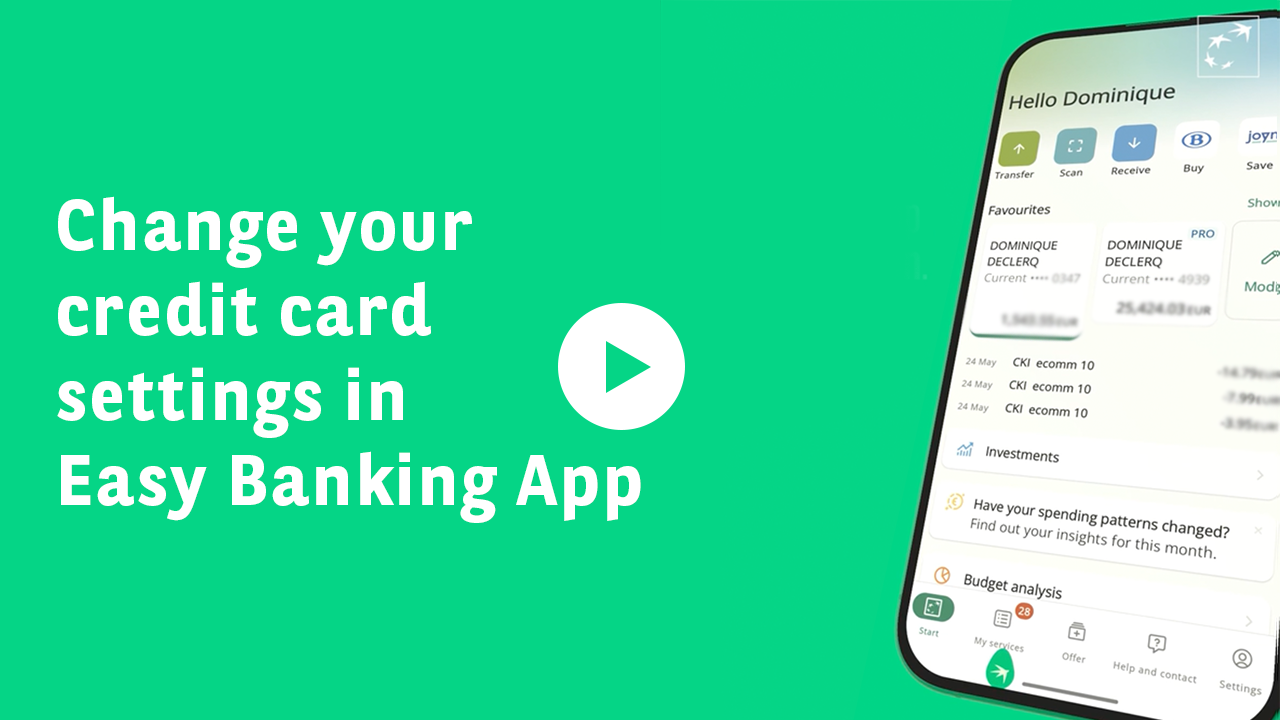
Easy Banking App
- Go to My services > Accounts and cards > Cards, then select your credit card.
- Click on ⚙️ > Limits.
- Choose Temporary limit and set an amount (for example €2,000 for 7 days) and a time period (up to 30 days).
Easy Banking Web
- Go to My cards > Credit cards > Modify.
- Under Limits, adjust the permanent or temporary limits.
How can you authorise or restrict the use of your card abroad ?
Before travelling, make sure your card is activated for your destination, whether within or outside Europe.
Easy Banking App
- Go to My services > Accounts and cards > Cards, then select your card.
- Click on ⚙️ > Regional use.
- Tick or untick Europe (SEPA zone) or Outside Europe.
Easy Banking Web
- Go to My cards > Credit cards > Modify.
- Under Regional use, adjust the geographical zones.
Where can you view your spending statements?
Access your transaction history and download your statements.
Easy Banking App
- Go to My services > Documents > Cards.
- Select your credit card to view your monthly statements.
Easy Banking Web
- Go to My cards > Credit cards > Spending statements.
- Download your statements (from December 2024).
- For older statements, log in to Zoomit.
Questions? Consult our FAQs and chat with Samy
You can consult our FAQs in Easy Banking App via Help and contact, and in Easy Banking Web via the search function at the top right of the page.
In Easy Banking App, via Help and contact, you can ask Samy, your virtual assistant, a question 24/7. Samy replies instantly and can guide you based on your question.
For security reasons, never share your codes (PIN, CCV).
How can you manage your debit card settings yourself?
To find out where to view your credit card details and how to manage your card settings, visit our debit card page.