Clickshare
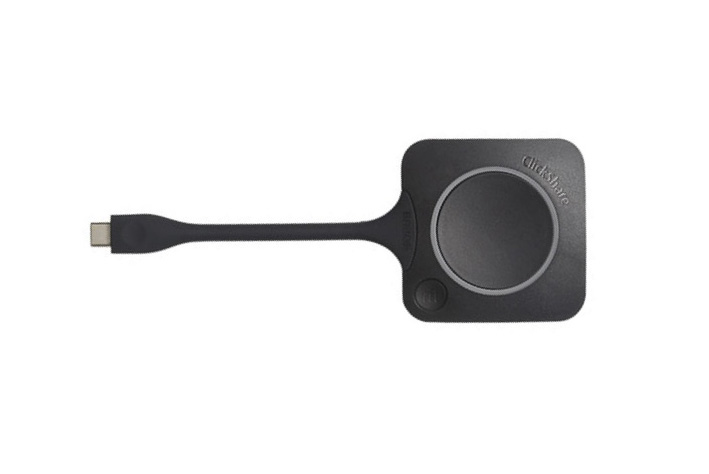
- Take the dongle. Each dongle is linked to one specific meeting room.
- Connect the dongle to your computer.
- Log in : install the program on your computer by clicking either connecting the dongle (USB key) or going to " \\res.sys.shared.fortis\Files\P\Global\PublishedData\ Clickshare" and then clicking the ".exe" file.
Once the red light comes on, you are connected. - Share : click on the dongle and share your content on the screen