

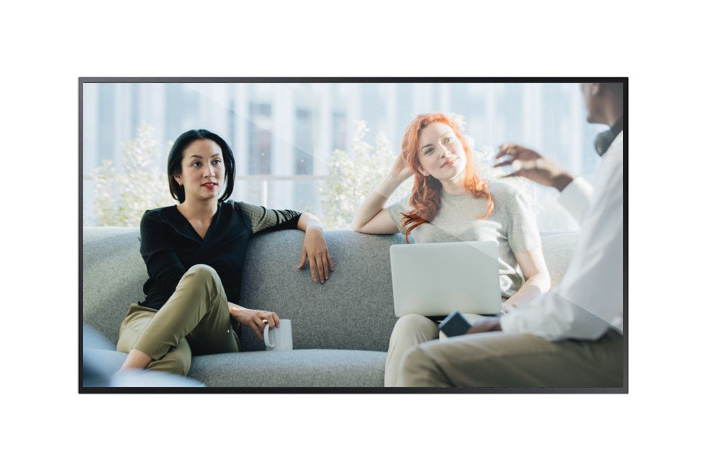
LCD 75"
- Connect the HDMI/Displayport-cable with your laptop
- Wait till the screen to light up
(You dont have to do anything on the screen) - Show your content *
(*Best practice: Put your screen resolution as "Extended Desktop")
(*Best practice: Put your screen resolution as "Extended Desktop")
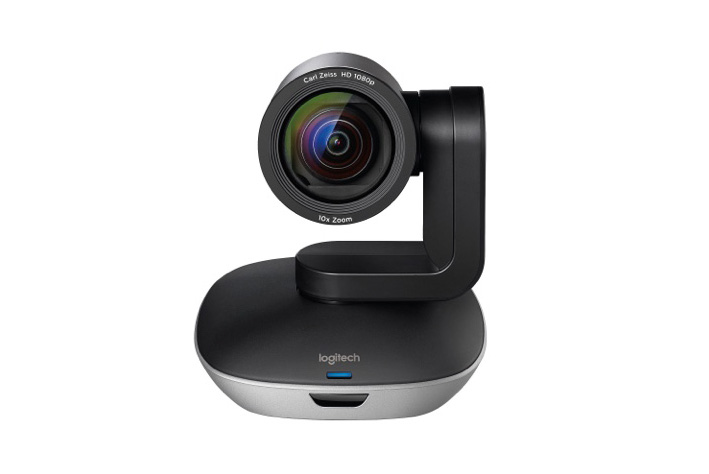
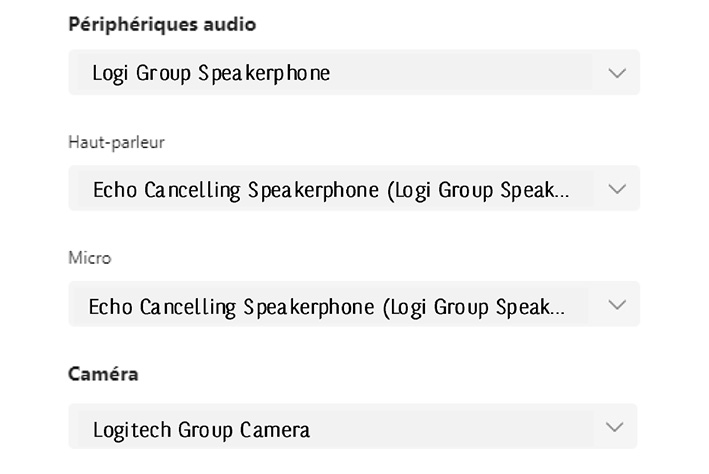
Check the audio- & video-settings in TEAMS
Make sure you're connected to the network
The multimedia appliances are connected with security wires!
Every cable you need is in this room.
More info via the links:
echonet/vie_pratique/espace_de_travail/meeting&event/multimedia/bibliotheque_multimedia